Shopping for a
family organizer?
Honest, side-by-side looks at KarlCal and the apps and screens families usually consider: what each costs, what it does well, and who it fits.
- Free for the whole family
- No ads
- No credit card
- iPhone, iPad, Android and web
What are you comparing?
KarlCal vs Cozi
Cozi Max $79/yr vs KarlCal Pro $39.99/yrAds, free plan limits, AI help, chores and meals, round by round.
Read the comparison →KarlCal vs Skylight
$0 vs $299.99 + $79/yrAn app on every phone vs a screen on the kitchen wall.
Read the comparison →NewKarlCal vs FamilyWall
$4.99/mo vs $7.99/moKarl (plus Alexa on Pro) vs location sharing and family admin.
Read the comparison →NewBest Skylight alternatives
From $0 to $906 over 3 yearsHearth, Echo Show 15, DAKboard and more, priced out.
See the roundup →Best Cozi alternatives
7 apps comparedPrice, free plans, location sharing and who each one fits.
See the roundup →Stop typing. Just say it.
Most family calendars make you fill in a form for every event. With KarlCal you text Karl (or, with Pro, ask Alexa) the way you would tell your partner. Tap an example to see it.
- You type“Jake has soccer Tuesday at 6:30”
- Or ask Alexa (Pro)“Move the dentist to Friday at 2”
- You type“Add milk to the grocery list”
- Or ask Alexa (Pro)“Cancel the dentist”
Why families pick KarlCal.
Karl does the typing
Text or say what is happening and Karl adds, moves or cancels it.
Works with Alexa
“Add dentist Friday at 2.” “What’s on tomorrow?” “I did the dishes.”
ProChores with points
Kids earn points and check the weekly scoreboard.
Dinner From My Fridge
Tell it what’s in the fridge and get ideas you can cook tonight.
FreeMeals to groceries
Plan the week’s dinners and get the grocery list built for you.
ProWeather on your day
Hourly forecast and rain alerts right on the dashboard.
FreeYour family’s week, sorted tonight.
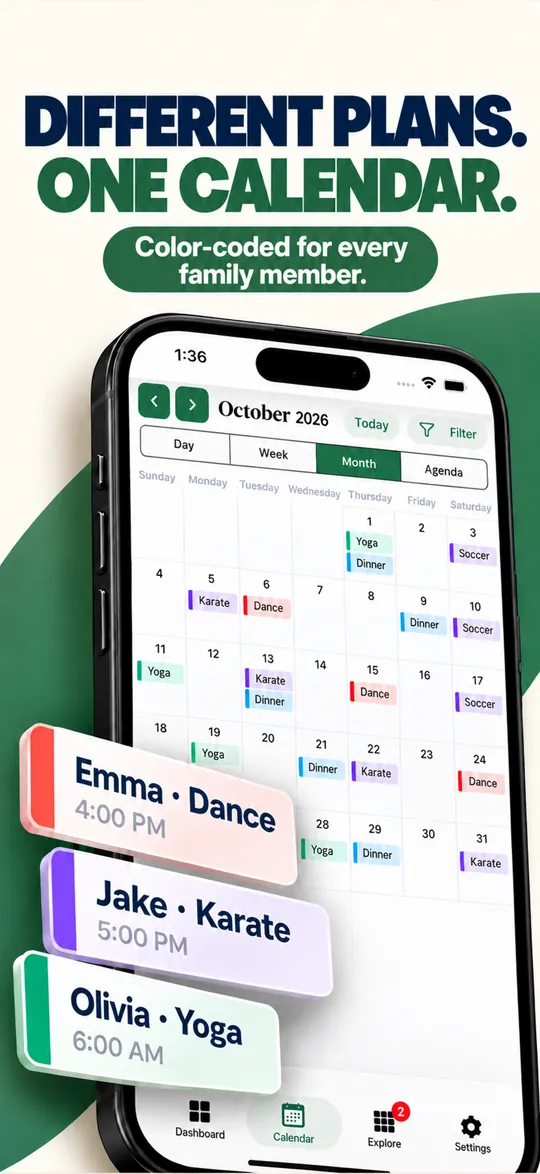
Set up your household in two minutes. The shared calendar, family chat and lists are free for everyone in the family, with no ads and no credit card.
Pro is optional: $4.99 a month or $39.99 a year, with a 7-day free trial.